Parking in Norway: Apps, Signs, Costs & Fines
Learn how parking works in Norway: signs, parking apps, costs, airport and hotel parking, scenic-stop tips and how to avoid fines.
On this page
Last updated November 2026: parking in Norway is mostly paid and app-based in cities, and often free or simple at rural and scenic stops. Most trouble comes from expired app sessions, ignored time limits and private-operator fees. Use the rules below to read signs, pay correctly and avoid a fee notice on your rental car.
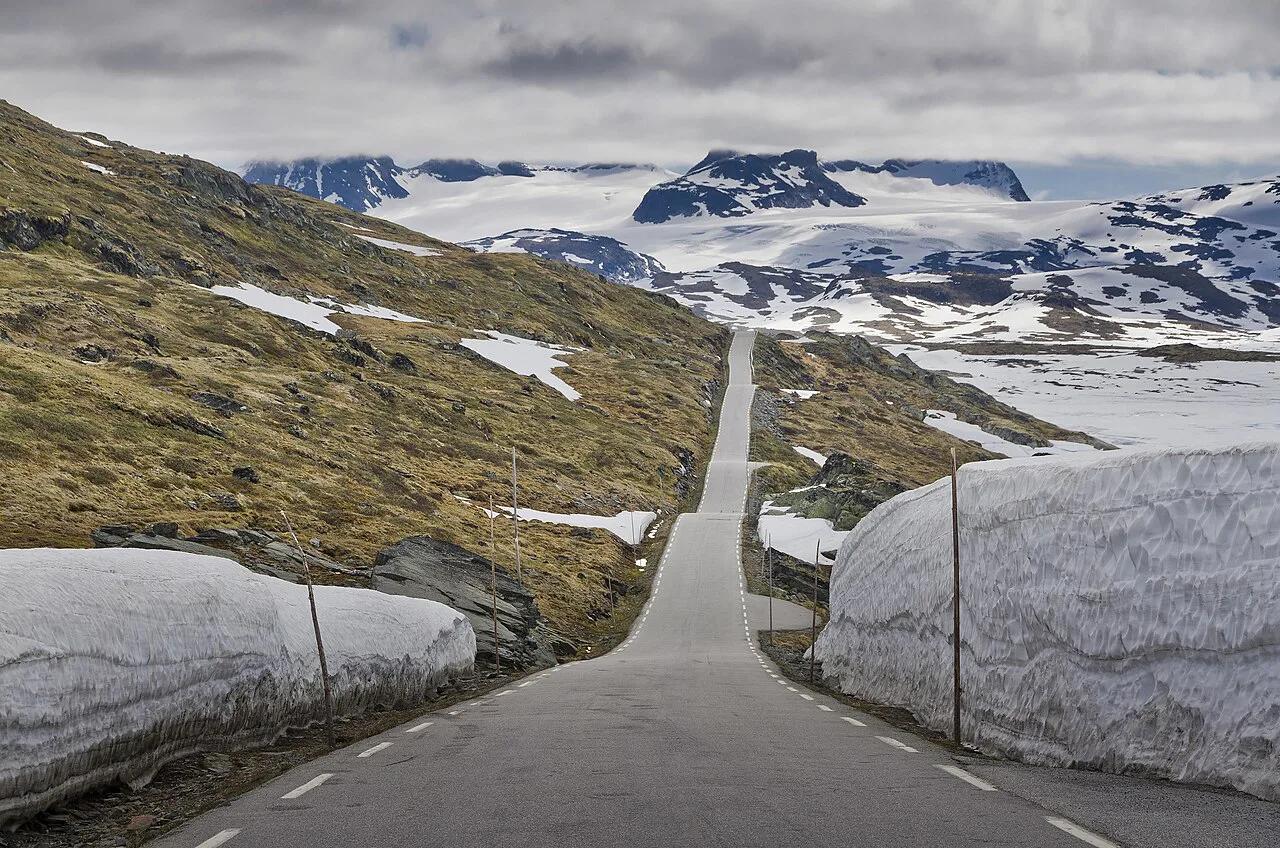
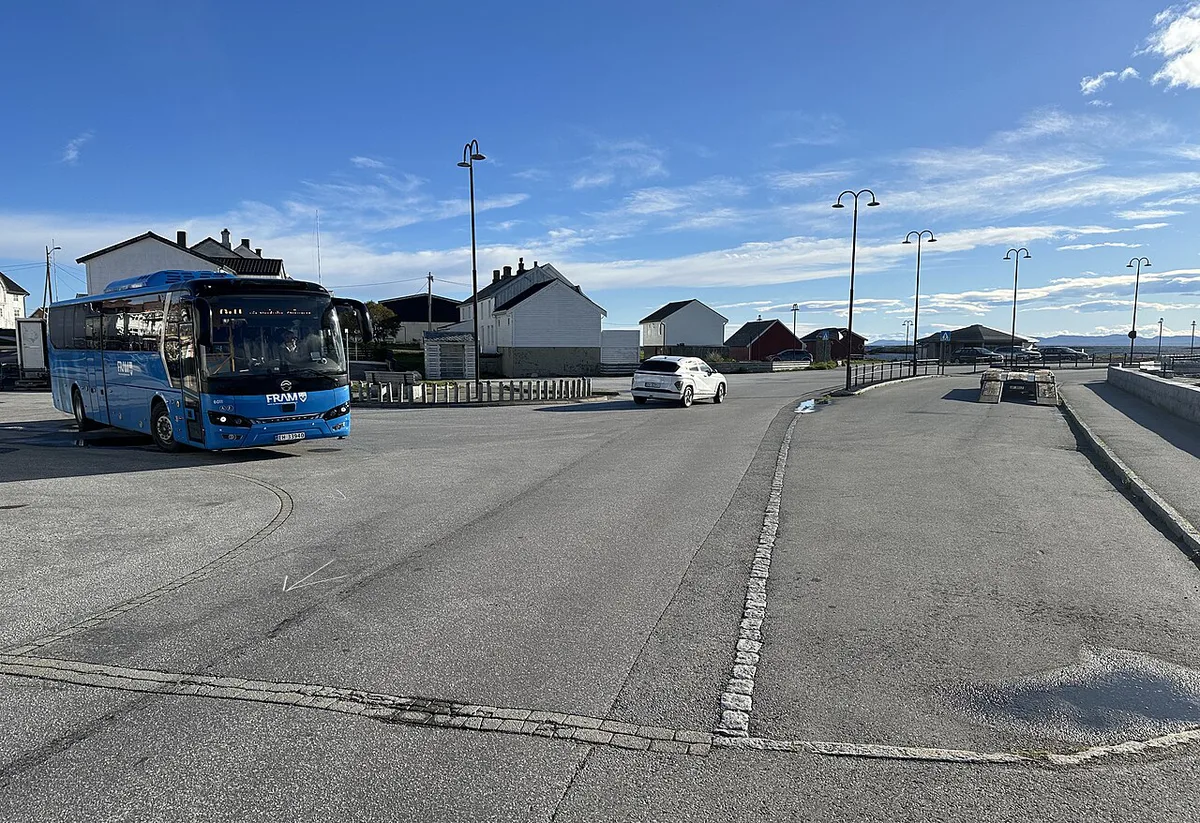
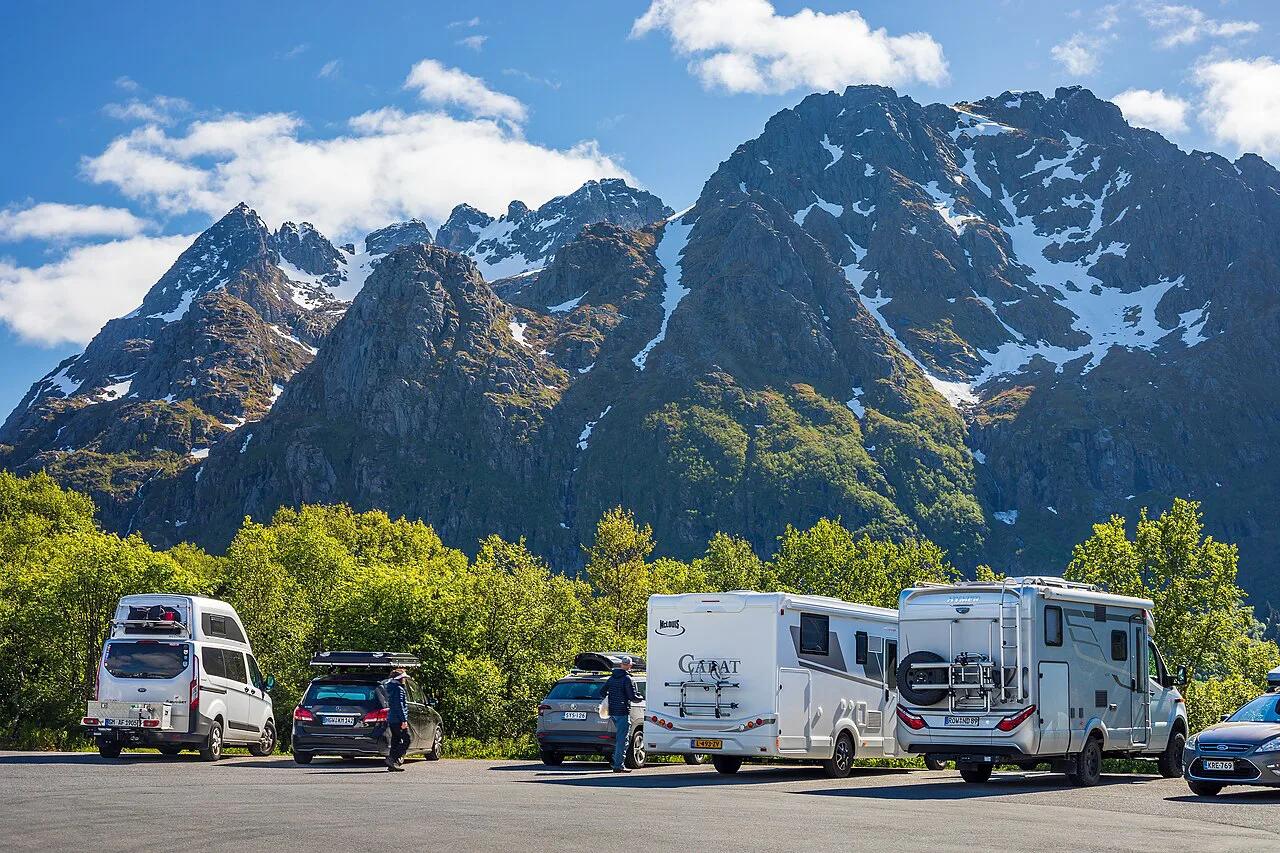
Featured image: Sebbog13, CC BY-SA 4.0, via Wikimedia Commons.
Quick answer: how parking in Norway works
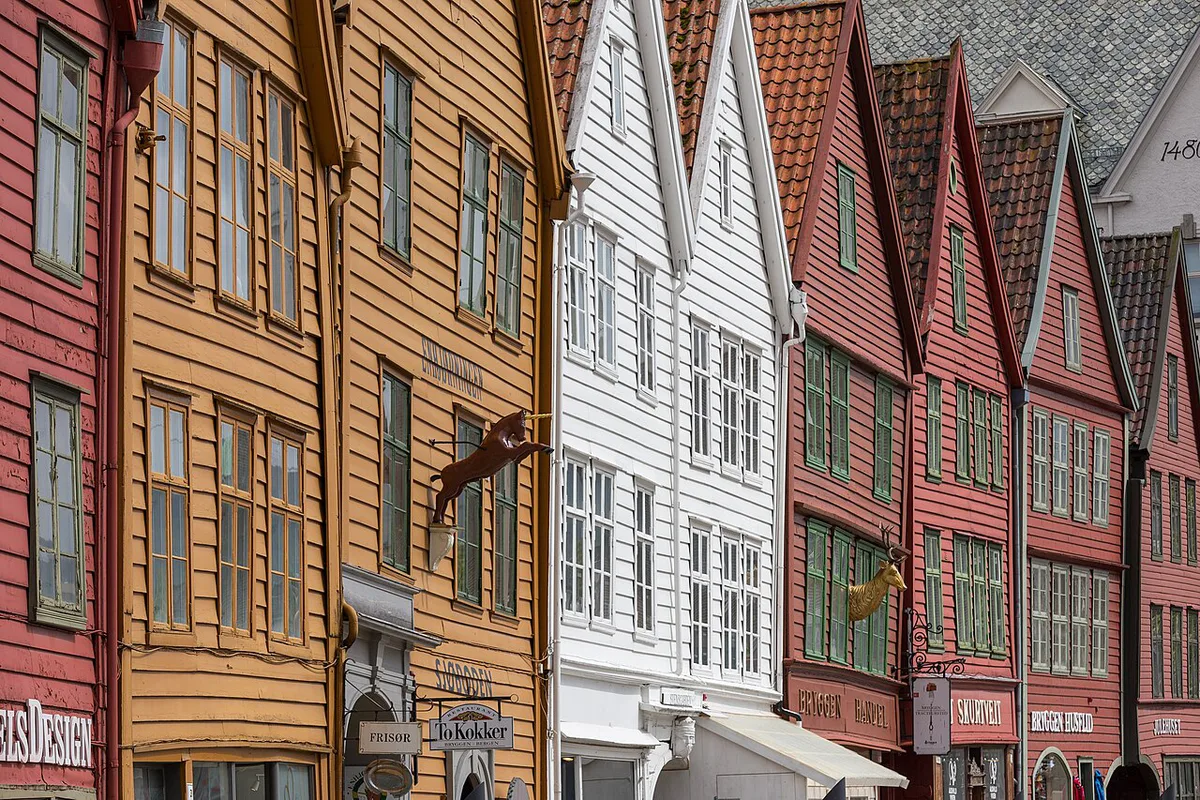
City parking follows a simple pattern. Read the sign, pay for the time you use, and stop the session when you leave. Foreign plates are not exempt from fines.
- Pay by app or at a meter in city streets and most car parks.
- Read every sign plate under the blue P, because time limits and paid hours sit there.
- Expect time-limited zones in smaller towns, often with a parking disc (P-skive).
- Note who runs the lot, because municipal and private operators issue different notices.
- Rural pull-offs and many scenic lots are free or simple, but they fill early in summer.
- Fines reach visitors with foreign plates, and rental companies pass them on.
How to read Norwegian parking signs and markings
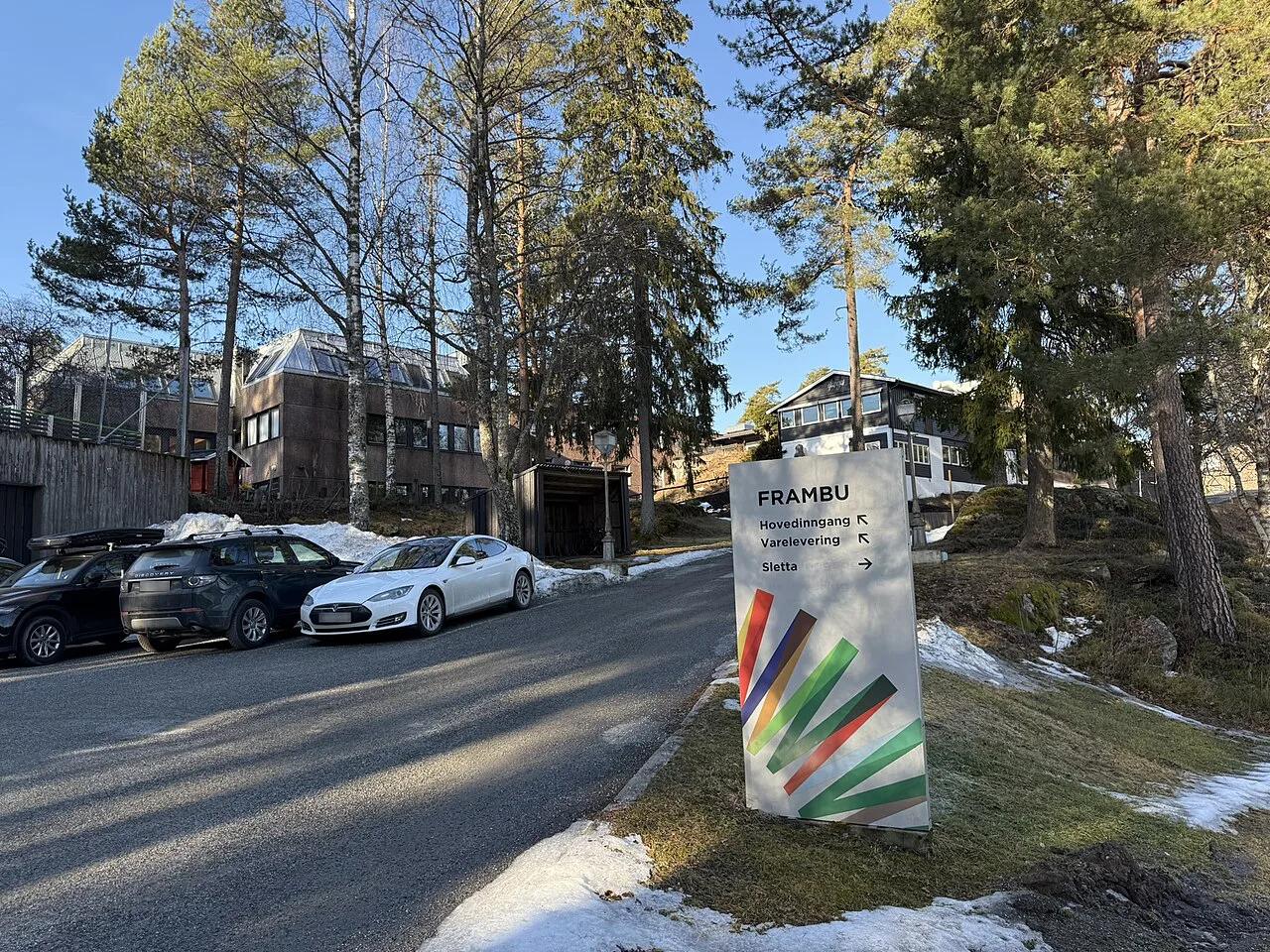
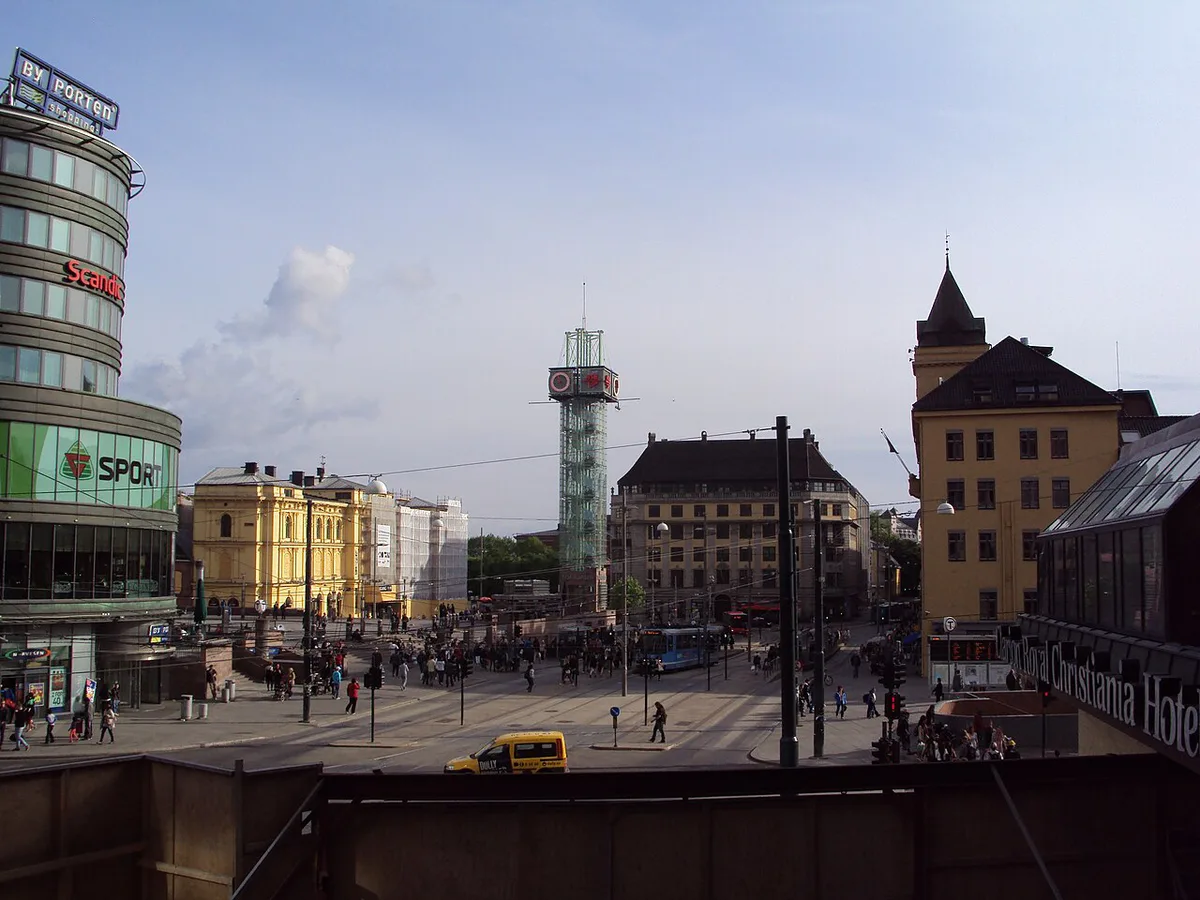
A blue square with a white P means parking is allowed. Plates beneath it add limits such as maximum time, paid hours or reserved users. Statens vegvesen publishes the official sign catalogue and traffic rules. In Oslo, times on the plate in black apply Monday to Friday, times in brackets apply on Saturday, and red times apply on Sundays and public holidays.
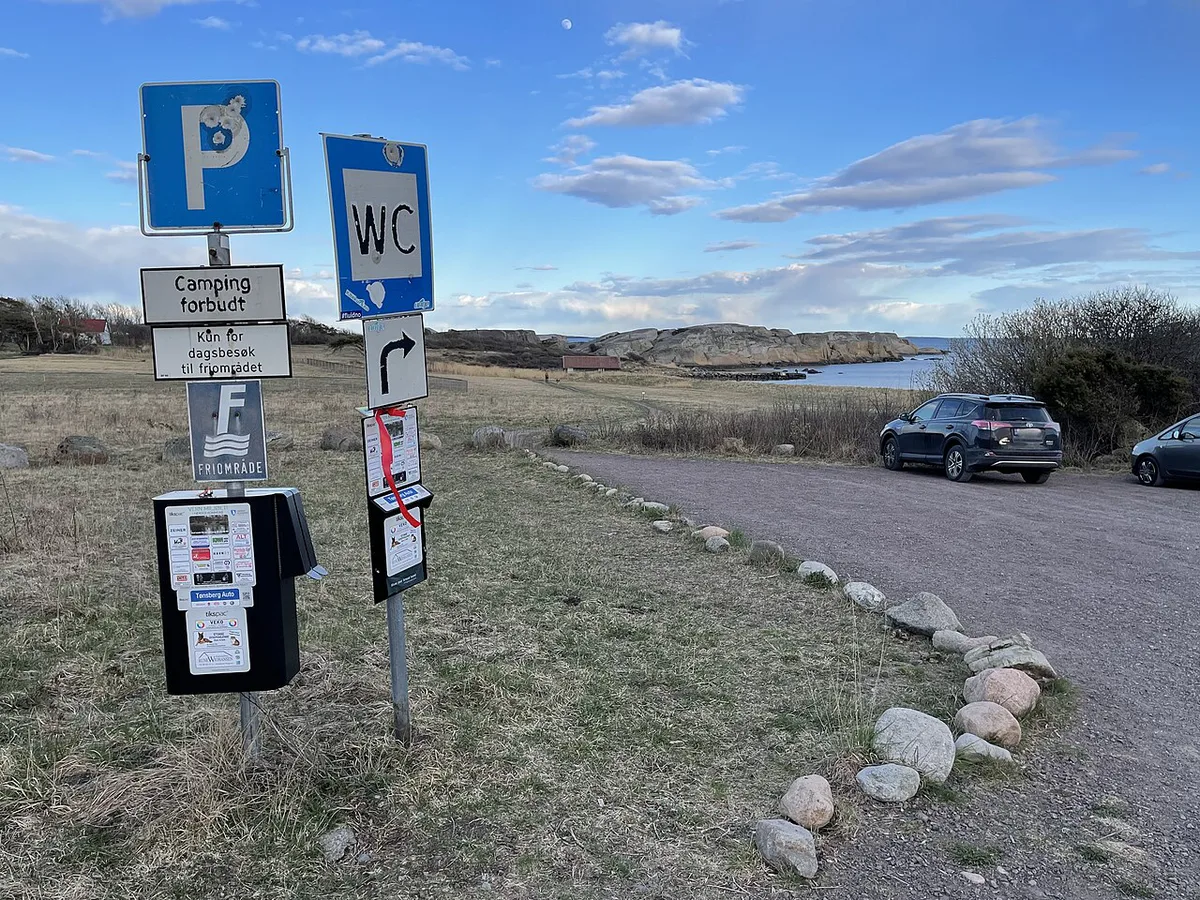
| Sign or marking | What it means | What to do |
|---|---|---|
| Blue P | Parking is allowed here | Read the plates below for limits and payment |
| P with a disc symbol | Time-limited zone using a parking disc | Set the disc to your arrival time and display it |
| Red circle with one diagonal bar | No parking | Do not leave the car, except briefly if local rules allow |
| Red circle with crossed bars | No stopping | Keep moving and find another spot |
| Yellow kerb or road markings | Local restriction | Treat as no parking until a sign says otherwise |
How to pay: apps, meters and private operators
Most cities push drivers toward phone payment. In Oslo, the city's own Bil i Oslo app covers municipal spaces, and Oslo kommune also accepts EasyPark, ParkLink, Skanpark, Apcoa Flow and Flowbird. Coverage differs by city and operator, so read the payment sticker or sign at the lot. Install one app and link your card before you land. Enter the plate of your rental car and the zone code shown on the sign. Start the session on arrival and end it when you leave, because you pay only for the time used. A private lot may send its own fee notice instead of a municipal fine. Oslo publishes local rules on the Oslo municipality parking pages.
- Mistake: an app session that expired while you were still parked.
- Mistake: the wrong zone code or a plate typed with a typo.
- Mistake: ignoring a time limit because the app let you extend.
- Mistake: assuming a private-operator fee is optional. It is enforceable.
Cost and time trade-offs by situation
Rates change by city, operator and season, so use the named source for the real figure. As a benchmark, Oslo's 2026 street rate outside Ring 1 (zone 2020) is NOK 93 for one hour and NOK 219 for two hours for petrol, diesel and hybrid cars, and NOK 47 and NOK 110 for electric cars. The zone is paid from 09:00 to 20:00 with a two-hour maximum. Parking on Oslo's municipal streets is generally free on Sundays unless a sign says otherwise.
Oslo charges electric cars about half the street rate of petrol, diesel and hybrid cars, so book an EV if you plan city days.
| Situation | Typical payment | Where to find the price | Who should skip it |
|---|---|---|---|
| City street | App or meter | Municipal parking page | Anyone staying several days in the centre |
| City garage | App, card or ticket | Operator site or garage sign | Drivers with a free hotel space |
| Airport short stay | Online booking | Avinor booking page | Trips of several days |
| Airport long stay | Online booking | Avinor or off-airport operator | Early flights with no shuttle |
| Hotel parking | Added to the room bill | Hotel booking page | City breaks with no car use |
| Scenic-stop lot | Machine or app, or free | Route or operator page | Late-day arrivals in peak season |
| Trailhead | Often free or a small machine fee | Local sign at the lot | Anyone leaving the car overnight |
| Ferry queue | Paid with the crossing | Ferry operator | Drivers who miss the loading time |
| Overnight campervan | Campsite fee or none | Campsite site or local rules | Anyone parking in a no-camping area |
Airport and city parking logistics
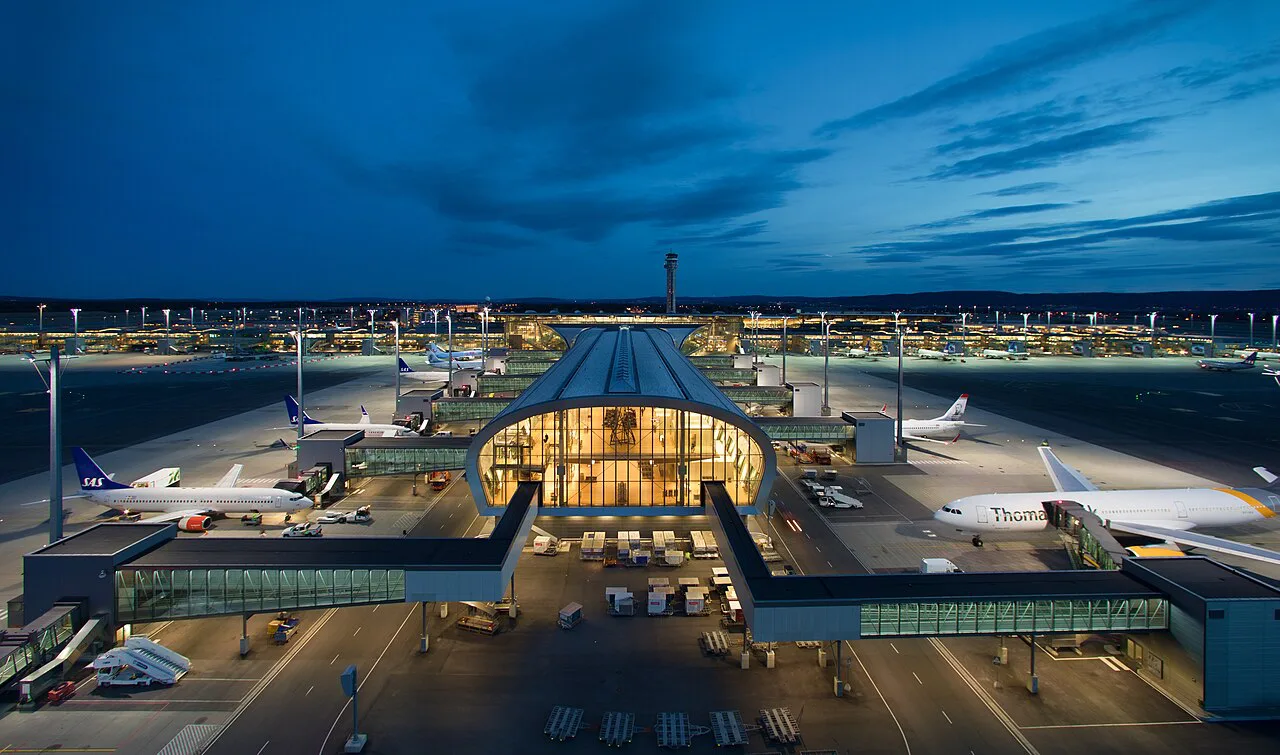
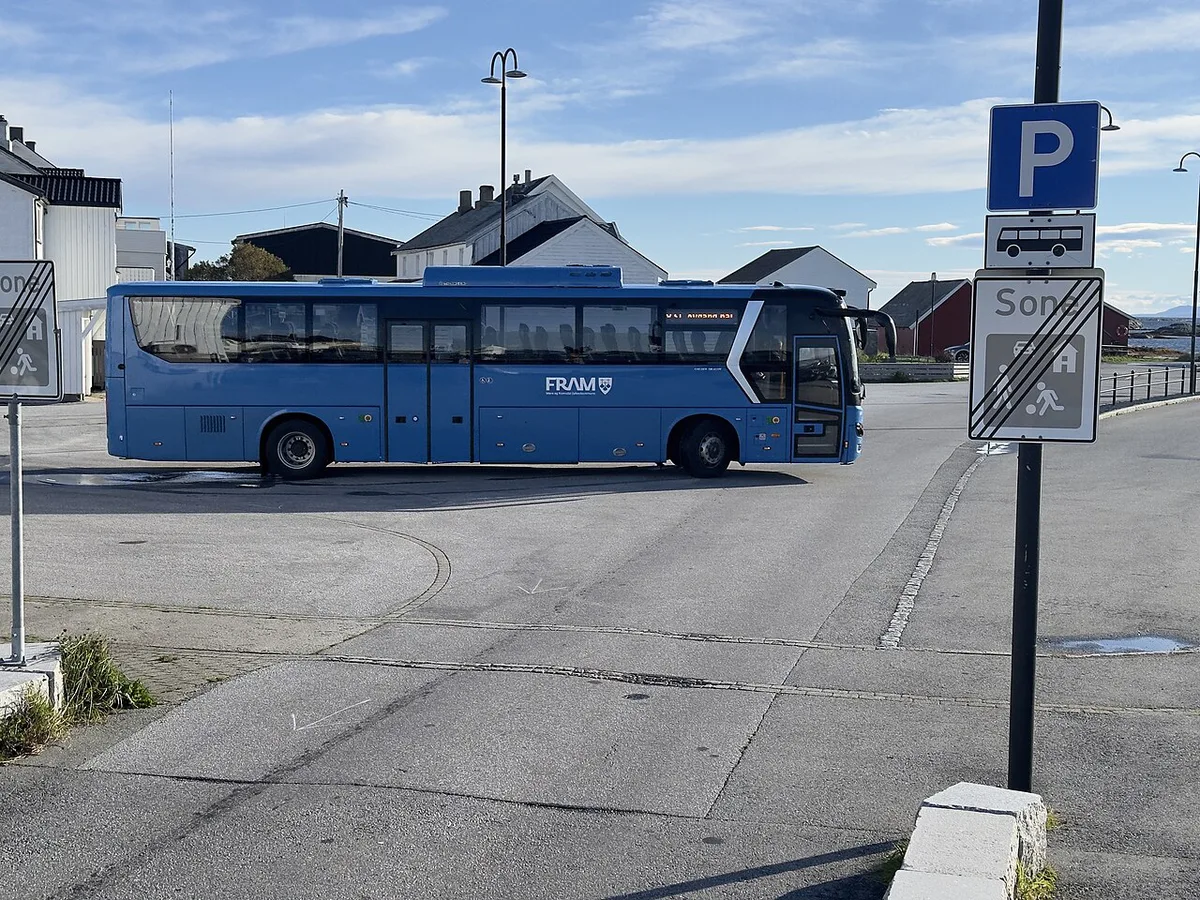
Avinor, which runs Norway's state airports, sells parking at airports such as Stavanger through its official online booking, with drive-in parking as an alternative. Compare it with off-airport options and public transport. Judge by trip length, early flights and cancellation terms. In Oslo, Bergen and Stavanger, hotel parking is a real booking filter. Ask the hotel whether it is free or paid, what the height limit is, and whether the car can stay in the garage overnight, and get the answer in writing. Some cities also run toll rings that affect where you park. Read about toll rings and city charges before choosing a base. The AutoPASS toll information explains how charges reach rental cars.
Parking at scenic routes, trailheads, ferries and campervan stops
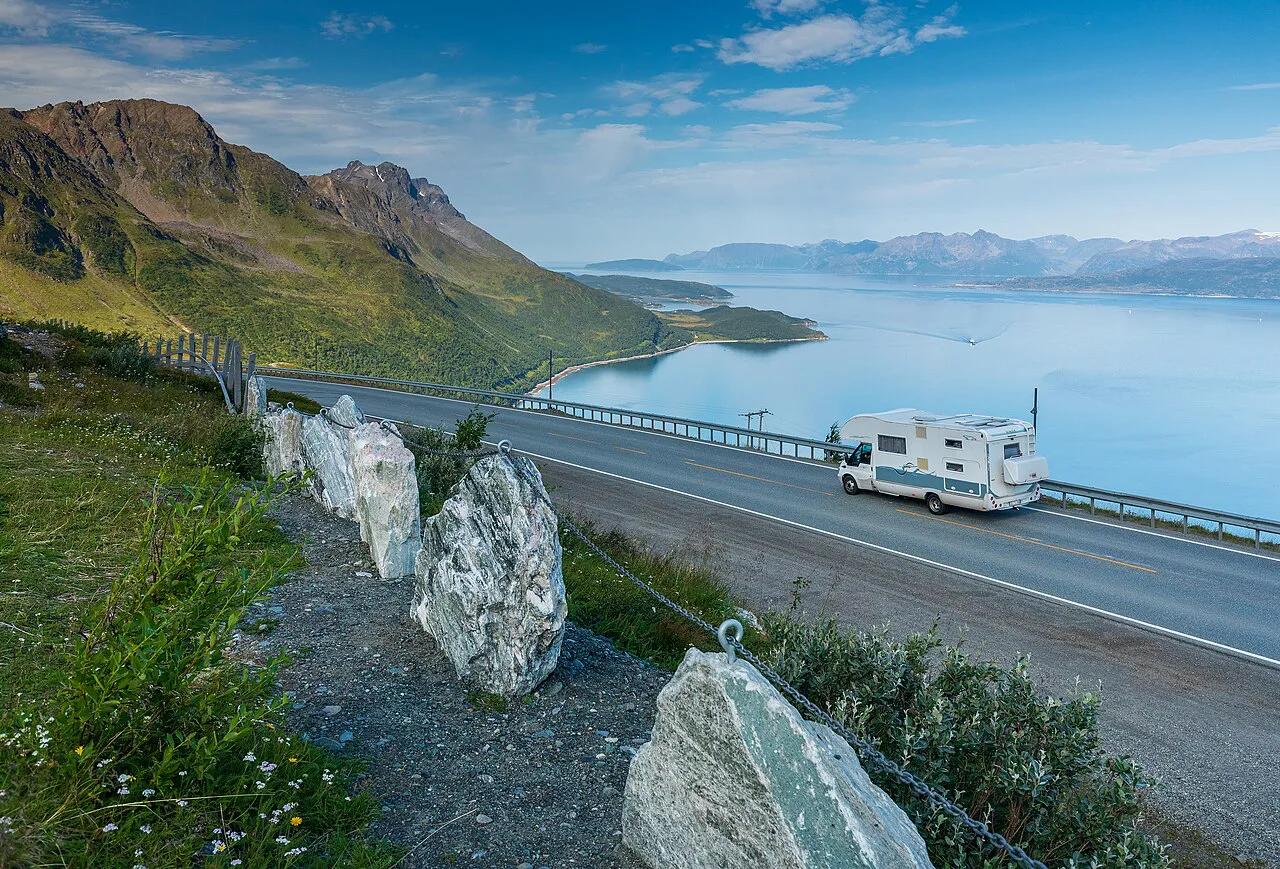
Popular stops fill in summer, so arrive early. Seasonal road closures also change what is open. The Atlantic Road site lists the route's stops, and our Atlantic Ocean Road route guide covers the drive. The National Tourist Routes page lists rest areas and facilities. For mountain hairpins, see the Trollstigen mountain road guide. Island drives are covered in our Lofoten driving route and Senja's coastal drive guides. Spaces, fees and hours change, so read the sign at each lot. Ferry queues follow their own loading order, so join the lane the staff direct you to. For overnight stays, parking is not camping. Rules on camping near a road differ from the right to roam, so read the official guidance first. If you plan to sleep in your vehicle, see our guide to hiring a campervan.
Winter parking and fines
Snow clearing can bring temporary no-parking signs, and Oslo asks drivers on municipal streets to look for new signs at least once a day. Fines arrive as a fee notice with a payment deadline and an appeal route. In Oslo, according to the city's parking fines page, an unpaid or expired ticket in a paid space costs NOK 660, parking against the traffic rules, for example too close to a junction or on a pavement, costs NOK 900, and both must be paid or appealed within three weeks. Rental companies usually pass them on with an admin fee, so read your rental contract terms first. Use the pre-trip list below to avoid trouble. Our road trip itinerary helps with route-level planning. Pair it with the Norway driving guide and Norwegian speed limits. For more routes, browse the National Tourist Routes overview and other scenic drives.
- Install a parking app and link your card and plate.
- Ask how your rental company handles fines.
- Get hotel parking, height limits and overnight access in writing.
- Compare Avinor airport parking with alternatives.
- Carry your licence: a US one is valid for three months, see driving on a US license.
Frequently Asked Questions
Which parking is the cheapest?
Free pull-offs and some rural lots cost nothing. In cities, street spaces and garages vary by operator and zone. Compare rates on the municipal or operator page, and weigh them against time limits before you commit.
What is the new parking rule?
No single new rule applies across Norway. Rules vary by municipality and by sign plate. Read the sign at each space, and the city's own parking page for recent changes.
Road-rule changes worth knowing
Optional updates to our guides.
You might also like
Continue reading
More guides you'll find useful